About
World Off AI
World Off AI is the free ambient sound mixer at worldoff.ai. Blend rain, ocean waves, fire and other background sounds for work, study, sleep or a quiet moment.
Free forever: use the browser mixer without an account, subscription, or payment.
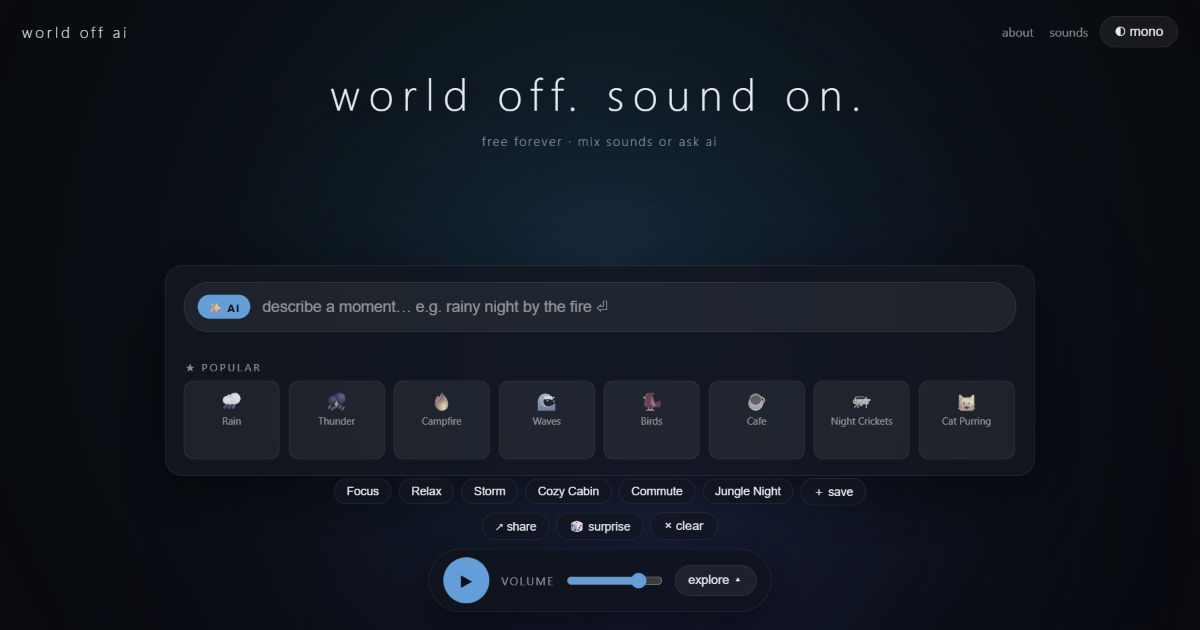
World off. Sound on.
Created by Hathish, World Off AI brings together a sound library and a simple idea: choose the atmosphere around you. The name is about turning down everyday distractions and turning on sounds you enjoy.
Browser listening, manual mixing, presets and locally saved mixes are free forever. Online AI mixing has a daily allowance, while manual listening has no time limit.
91 sounds, with each layer under your control
Combine recorded rain, fire, ocean, cafes, nature, trains and everyday surroundings. White, pink and brown noise are generated in the browser. Each layer has its own volume, so the sound you care about can lead and the others can stay in the background.
Compare brown, white and pink noise, start with a sound recipe, or explore the sound library.
What the AI actually does
Describe a scene such as "a quiet rainy cafe for writing." The AI selects sounds from the library and gives them starting volumes. It composes the mix; it does not generate new music or audio recordings.
Compatibility checks help keep the scene coherent. Ocean waves and a beach fire can work together, while a campfire and submarine machinery clash. You can adjust every layer afterward. The mixing guide includes playable examples, and How it works explains the AI and manual options.
Common questions
Do I need to sign up?
No. Open the website and listen. Saved mixes stay in this browser; they do not automatically sync to another device. Clearing browser storage can remove them.
Can I use World Off AI without AI?
Yes. Select sounds, adjust volumes, use presets and save mixes yourself. The optional online AI has a free daily allowance; reaching it does not stop manual listening.
Where do the sounds come from?
The library combines licensed recordings and browser-generated noise. The sound credits identify the licence families, and the privacy page explains how online AI prompts and anonymous usage counts are handled.